Which Retailers Are Missing From the Area? (Expansion Opportunities Report)
When to use this workflow?
Use this workflow once you've identified one or more segments with positive Developable m² in the General Report — for example, you want to know whether there are retail chains that are active elsewhere in the region or country, but have a genuine blind spot in this specific area.
The Expansion Opportunities Report helps you find retailers that are already active in the broader region or country, but not yet present in the direct environment. This makes it useful for identifying new-entry or expansion prospects.
This workflow is useful when you want to:
- Identify retail chains with no nearby store yet
- Find new potential tenants for a vacant building or project
- Focus on retailers in segments with market opportunity
- Check whether the retailer's typical surface matches your location
- Build a prospect list for expansion outreach
If you don't yet know which segment has room, start with [Which Segments Have Room? (General Report)] first.
Before you start
Make sure you have a location added in Location Planning. If you haven't done this yet, see [Getting Started in Location Planning].
1. Generate the report
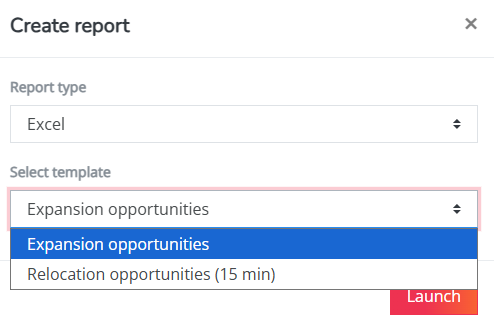
Click on the location marker you added to the map and select the Reports button. Choose report type Excel and select the Expansion opportunities report.
2. Review potential expansion retailers in the report
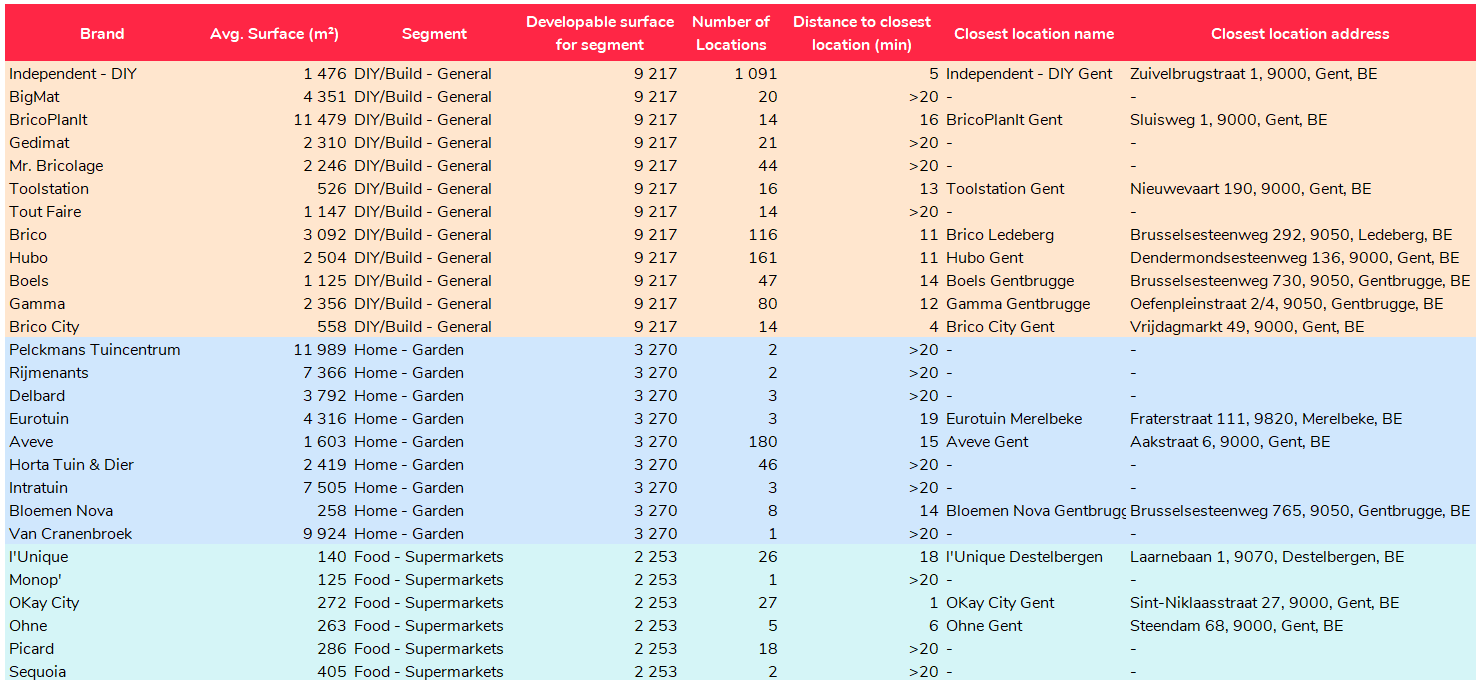
Go to your user menu and download the report when ready. The report lists retail chains that may be interesting expansion prospects for your selected location — retailers already active in the broader region or country, but without a store yet in the direct environment.
Start by focusing on the segments that showed positive Developable m² in the [General Report]. These are the segments where the market context suggests additional capacity may still be possible, so retailers from these segments are usually the most relevant prospects to review first.
For each retailer, check:
- Is the retailer active in a segment with developable room?
- Is the closest existing store far enough away?
- Does the retailer's typical surface match the available surface of your location?
- Does the retailer fit the planned concept or positioning of the shopping area?
- Could this location help the retailer fill a geographical gap?
This moves you from a broad list of possible retailers to a focused list of relevant expansion prospects.
3. Prioritize the most relevant prospects
Not every retailer in the report will be equally relevant. Prioritize retailers that match several conditions:
- They belong to a segment with positive Developable m²
- They are active in the broader region or country
- They are not yet present in the direct environment
- Their closest existing store is located at a meaningful distance
- Their typical surface matches the available unit or project
- Their concept fits the planned positioning of the shopping area
These retailers may have the strongest expansion potential. This gives you an objective starting point for prospecting retailers that could expand into the area.